How to have a local AI chat and agent within your Jupyter Lab?
From https://jupyter-ai.readthedocs.io/en/latest/getting-started.html
Selected tools: jupyter-ai + LM Studio (as server) + Mistral Code CLI
Python environment
It is mandatory to have a Python 3.12 (at least) environment:
conda create -y -n MyEnvAI python=3.12
conda activate MyEnvAI
conda install nodejs
Finalize installation with:
pip install –upgrade jupyterlab jupyter-app-launcher ipywidgets jupyter-ai mistral-vibe
Configuring vibe
It is needed to launch vibe (enter “vibe” ) in a terminal to generate the first configuration file ( ~/.vibe/config.toml). Select the interface you want (simply press enter) and select API key (you can enter your real API or a fake). Then just enter /exit when vibe is working, as we first need to change the basic Mistral configuration to a local LLM.
Edit the config.toml and add the following lines (adapt according to your server and model)
[[providers]]
name = "local"
api_base = "http://XXX.XXX.XXX.XXX:1234/v1"
api_key_env_var = "your API key to your local server"
api_style = "openai"
backend = "generic"
reasoning_field_name = "reasoning_content"
project_id = ""
region = ""

[[models]]
name = "google/gemma-4-31b"
provider = "local"
alias = "gemma4-local"
thinking = "off"
Also, in the same file, change the “active_model” to your model alias. With the previous example, it will be :
active_model = "gemma4-local"Test vibe
Just enter vibe, select the interface (type enter), and add your API key. Launch vibe again. You should get something like :
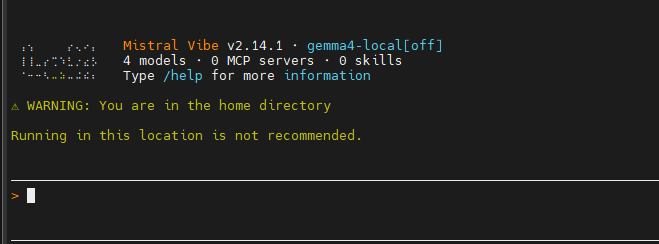
If you enter “test”, your local LLM should run and respond to you. Enter /exit to exit the vibe interface.
Test on Jupyter Lab
launch jupyter lab. And create a new chat:
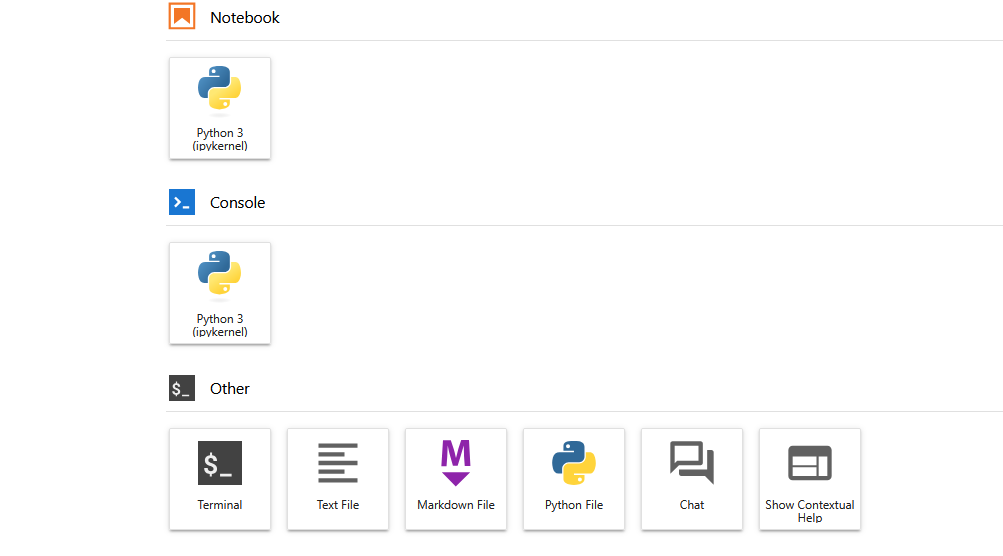
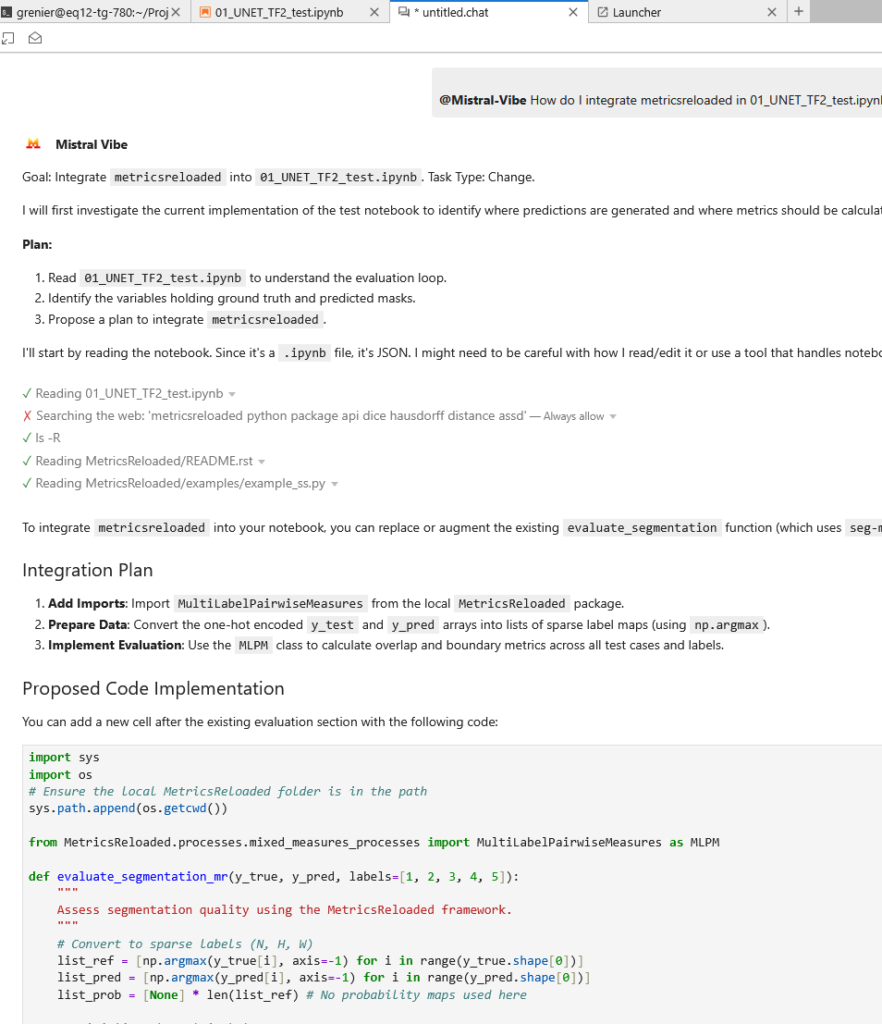
Start your prompt invoking the agent with ‘@’ as :
@Mistral-Vibe How do I integrate metricsreloaded in 01_UNET_TF2_test.ipynb to assess the segmentation quality ?